Recipe Browser
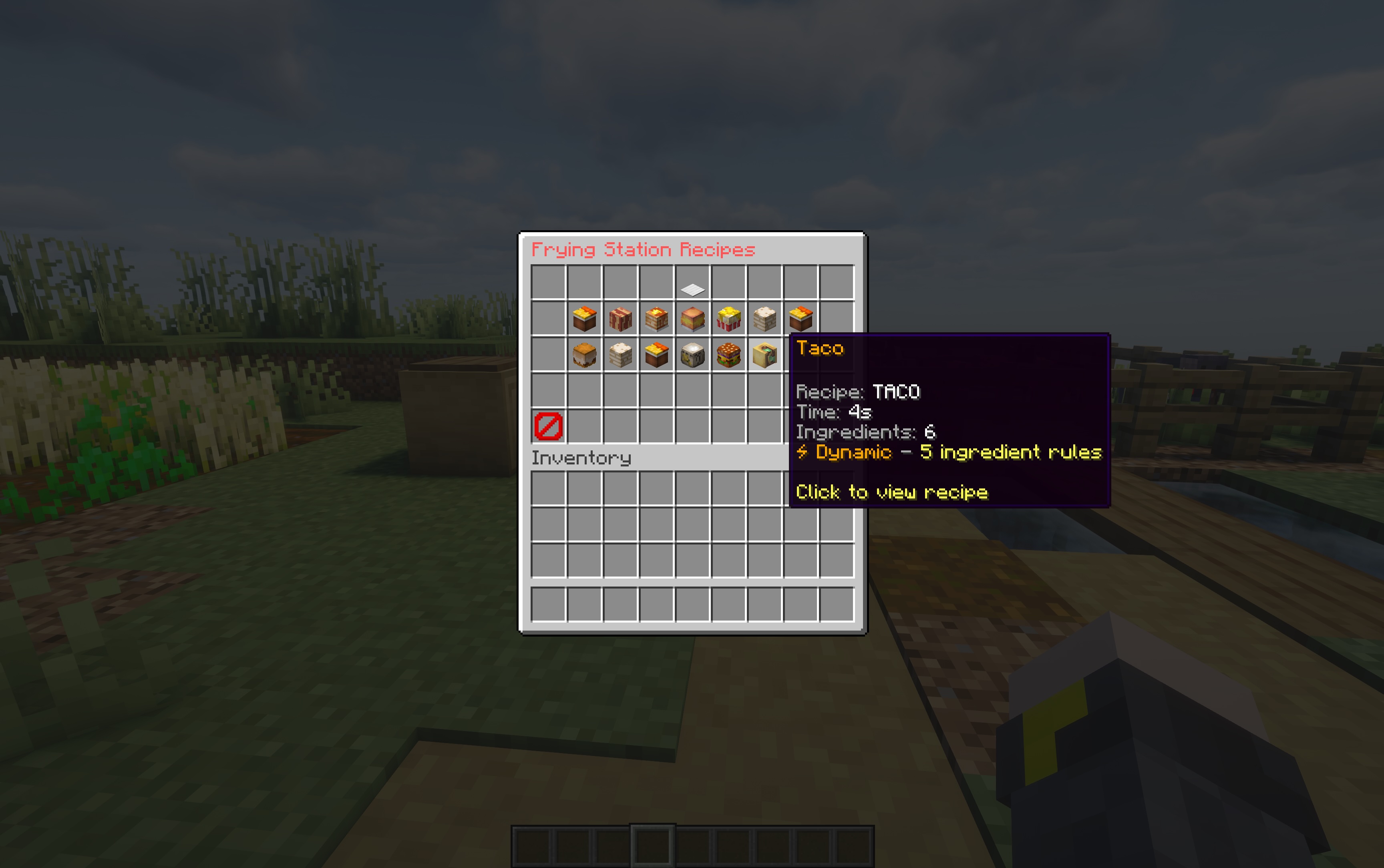
Open It
/hl
/hl recipes
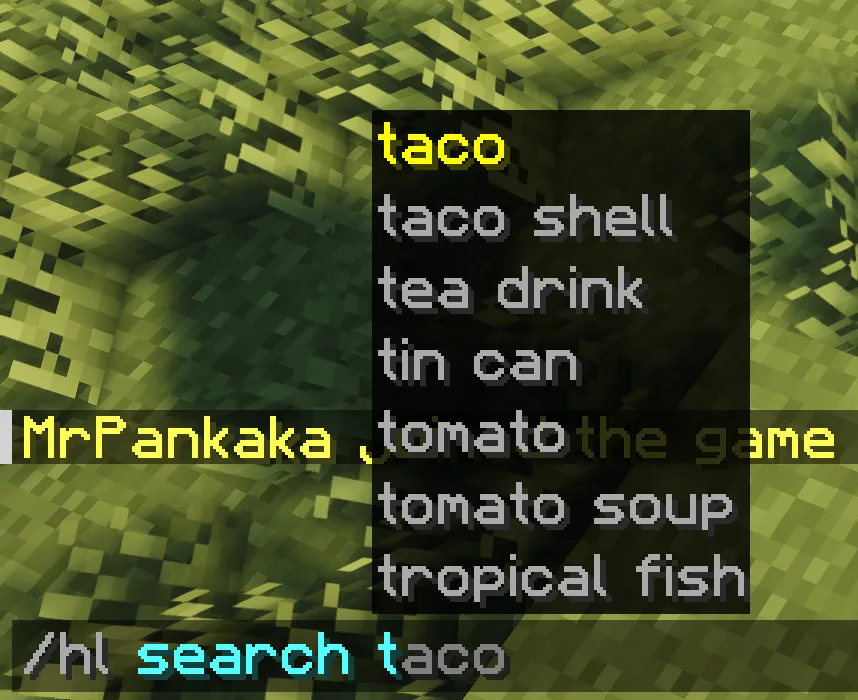
/hl search pizza
/hl opens the main menu for players. /hl search <query> opens filtered results by recipe, station, addon, output, or ingredient.
Search Examples
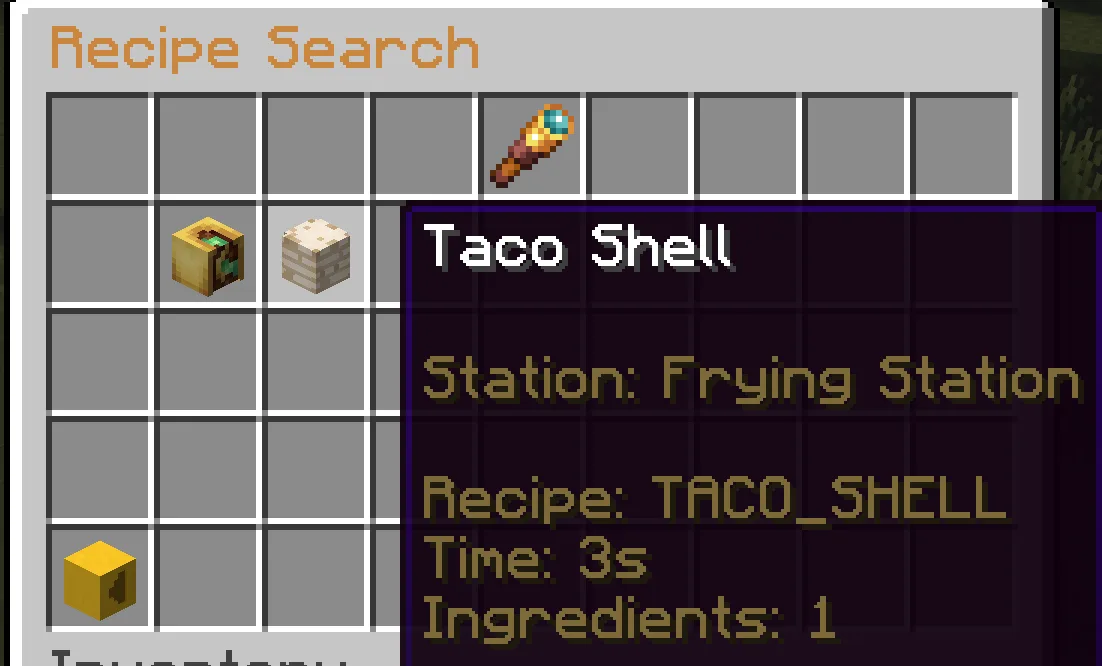
How To Read It
- Open Crafting for equipment, containers and supported workstation recipes. The matching runtime indexes recipes registered on your server.
- Click a recipe to inspect inputs and output.
- Click ingredients to follow recipe chains backward.
- Use item-use pages to answer "what can I cook with this?"
- Addon recipes appear only when their addon is installed and registered.
Back and Forward use left/right arrow heads to move through your browsing history. Previous Page uses an up-arrow head and Next Page uses a down-arrow head in the rightmost two slots of the bottom row: zero-based slots 43 and 44 in a 45-slot browser, or the corresponding final two slots in other inventory sizes. Ingredient Bank keeps its existing top-row controls and uses the same directional heads.
If Something Is Missing
- Make sure the addon is installed.
- Run
/hl reloadafter JSON changes. - Check startup logs for recipe validation warnings.
- Use
/hl debug testfor registration diagnostics.