Getting Started
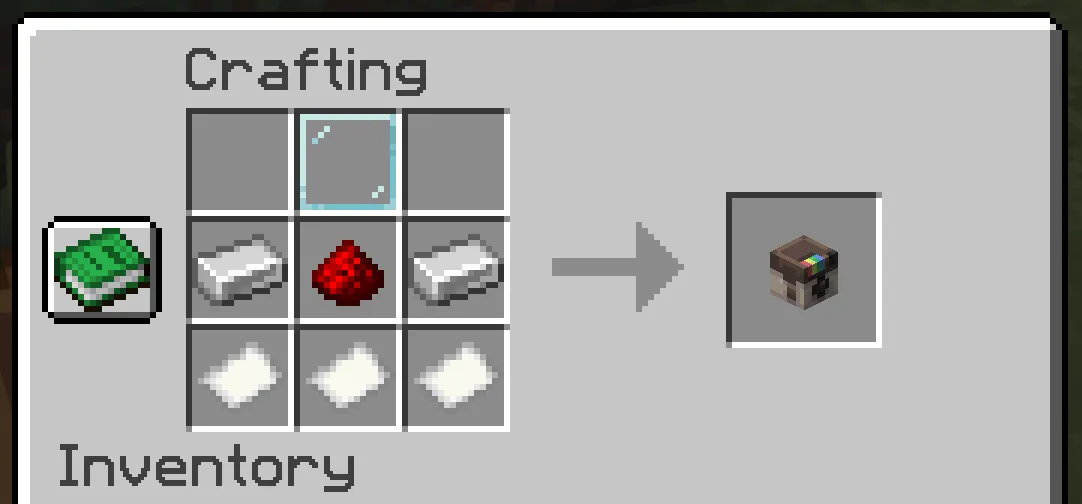
Start with a camera. On most servers, players either craft it, receive it from a kit or shop, or get one from staff during events. If crafting is enabled, the default recipe is:
| Row | Items |
|---|---|
| Top | Glass Pane in the middle slot |
| Middle | Iron Ingot, Redstone, Iron Ingot |
| Bottom | Paper, Paper, Paper |
Admins can change or disable this recipe, so always follow your server's rules if the recipe shown here does not match what you see in-game.
First Photo
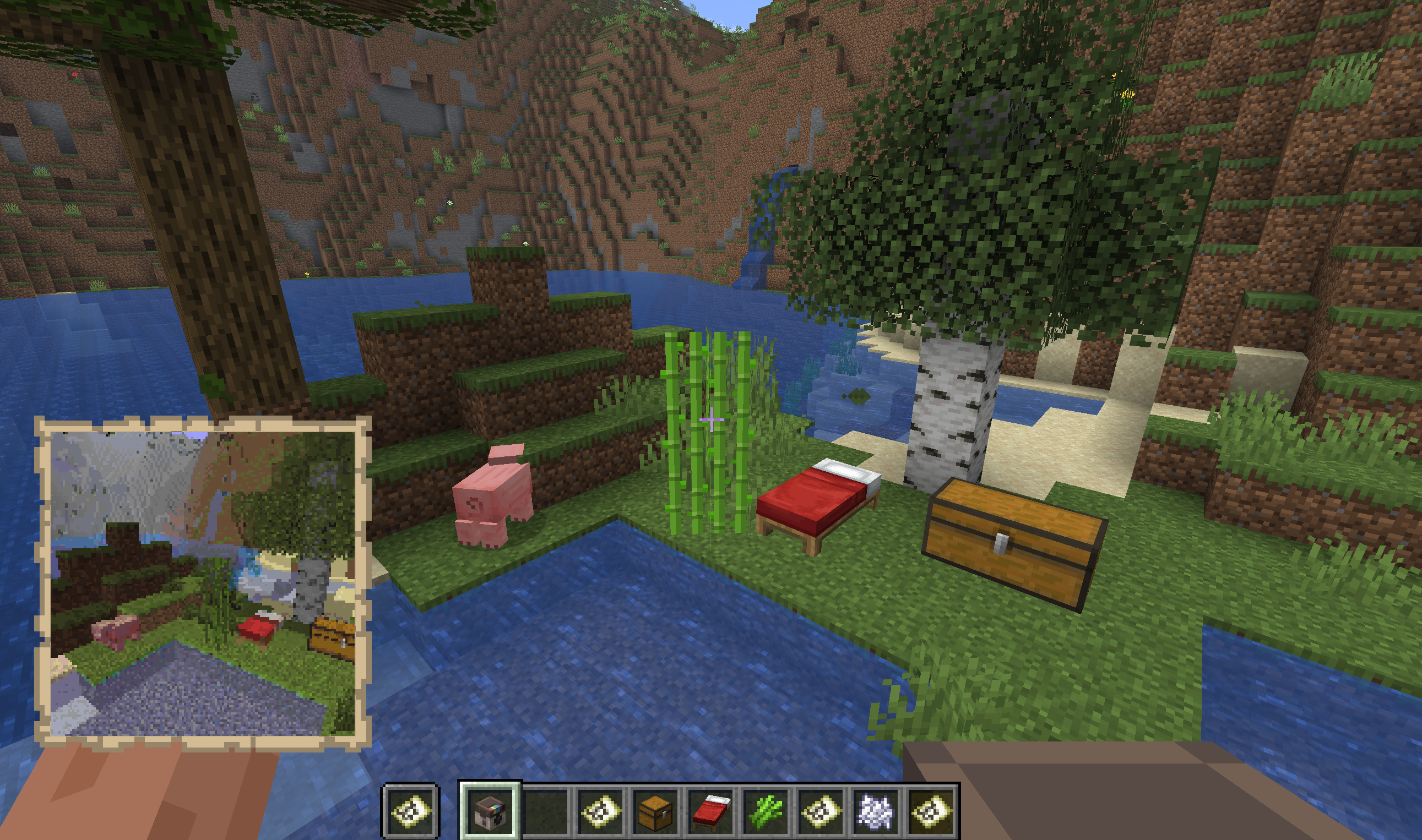
- Craft or receive a camera.
- Hold the camera in your hand.
- Run
/sbfor a short starter card, or/sb helpfor the full command list. - Right-click with the camera, or run
/sb settings, and check the current mode, size, FOV, exposure, and filter. - Left-click to show the viewfinder and frame the shot.
- Sneak and right-click to take a photo, or sneak and left-click to take a selfie.
- Open the finished map item to view the photo.
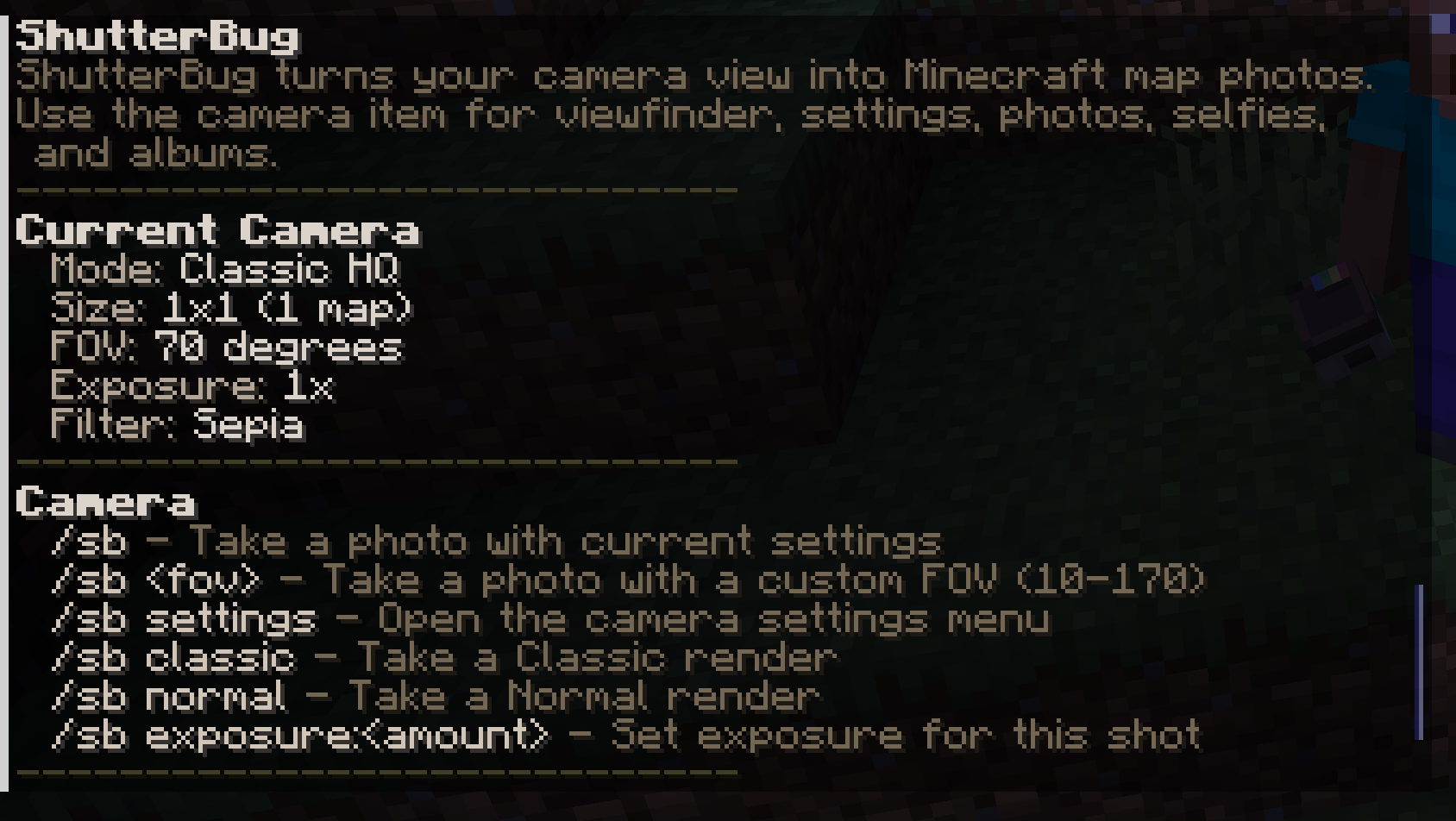
/sb help is personalized. It only lists commands your account can use on the current server. If cinematic modes, admin tools, photo imports, or reload commands are not granted to you, they should not appear in your normal help output.
Open Camera Settings
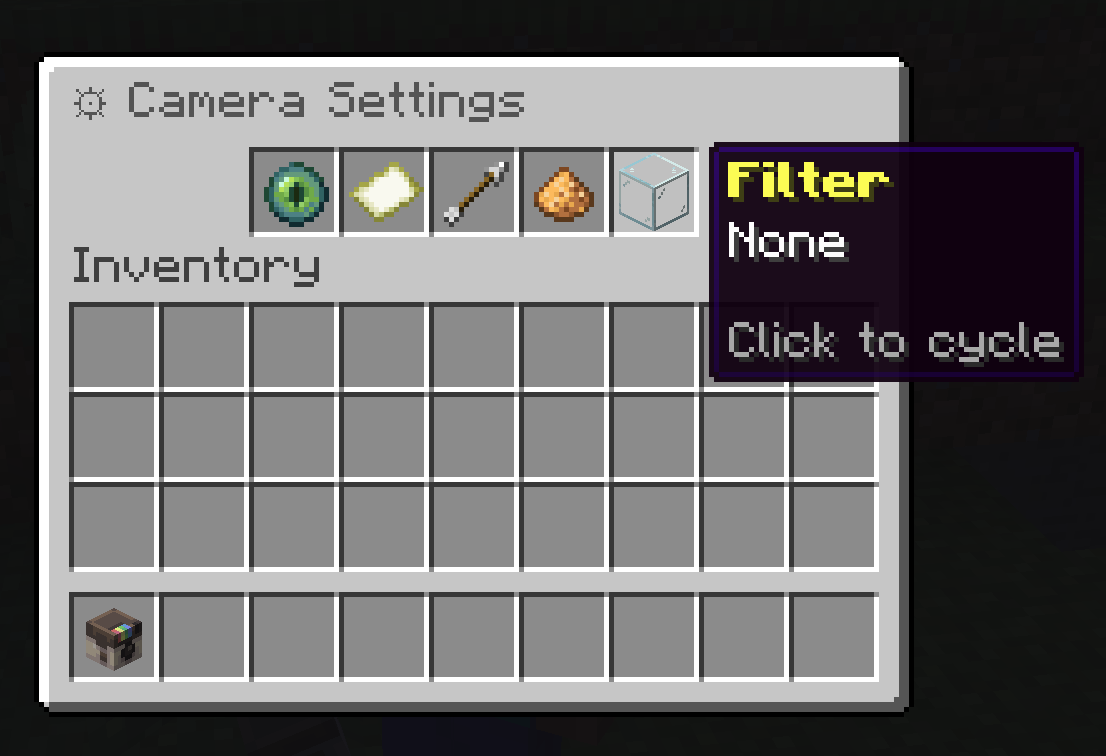
Use /sb settings before important shots, or right-click while holding the camera. The settings menu is where you tune how the next photo is rendered. The main controls are:
| Setting | What It Changes |
|---|---|
| Mode | Render quality and visual style. |
| Size | How many map tiles the photo uses. |
| FOV | How wide or zoomed-in the camera feels. |
| Exposure | How bright or dark the final photo is. |
| Filter | Optional final color treatment. |
For detailed examples, see Camera Settings.
Albums
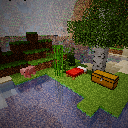
Craft a Photo Album with a glass pane, paper, and a book and quill in the center column:
| Row | Items |
|---|---|
| Top | Glass Pane in the middle slot |
| Middle | Paper in the middle slot |
| Bottom | Book and Quill in the middle slot |
Servers may also allow /sb album as a convenience command. Albums show the selected collection, which subjects are complete, how to capture the remaining subjects, and a collage of completed photos. Left-click and right-click the album to cycle between available collections.
If Something Looks Different
Servers can customize recipes, permissions, paper costs, render defaults, and collections. When this guide and your server disagree, trust the in-game /sb help, /sb settings, and your server's admin notes first.
For a longer guide, use /sb wiki. Server owners can set guide-url so in-game help and /sb wiki point to {GITBOOK_URL}.