Interactive Tutorials
Cosmonautics tutorials teach complete systems through private, interactive scenes. Open the catalog with:
/cosmo tutorial
Select a lesson in chat or start one directly with /cosmo tutorial <tutorial-id>. Use /cosmo tutorial stop to leave at any time.
See a tutorial in action
A short playthrough of the Launch Site lesson, from constructing the pad to previewing Artemis and its propellants.
Available lessons
Launch Site
/cosmo tutorial launch-site
Build the 10 × 10 Artemis pad, craft and place the Launch Controller, connect its supply chest and progress comparator, preview Artemis assembly, and learn how Rocket Fuel and Oxidizer prepare the vehicle for launch.
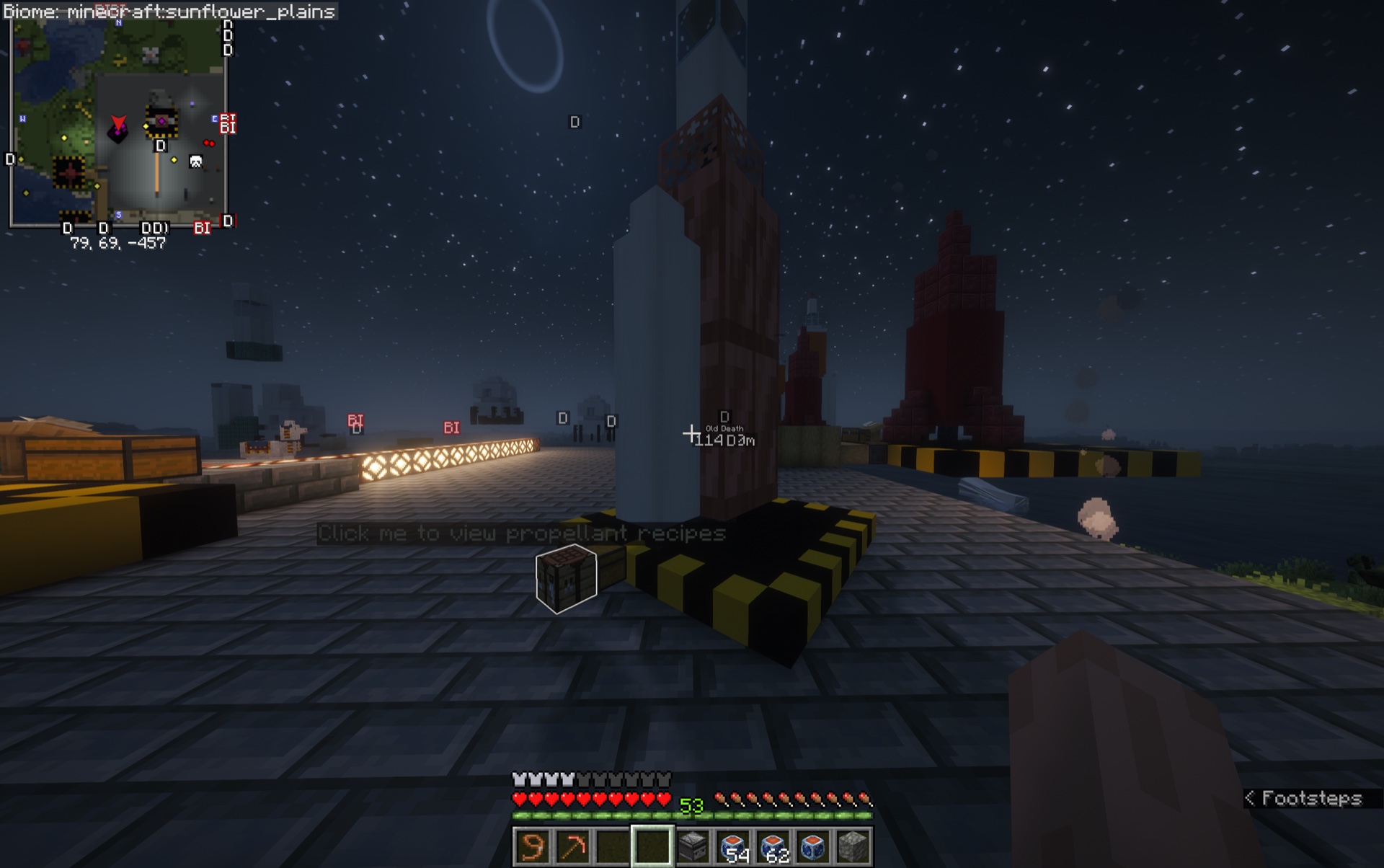
Glowing objects and in-world prompts lead the player through each interactive step.
Survive in Space
/cosmo tutorial survive-space
View recipes for a sealed suit, Oxygen Canisters, and the EVA Harness. The lesson then demonstrates pressure loss through broken glass, resealing and oxygenating a habitat, reading a Pressure Gauge, and cycling an airlock without opening both doors together.
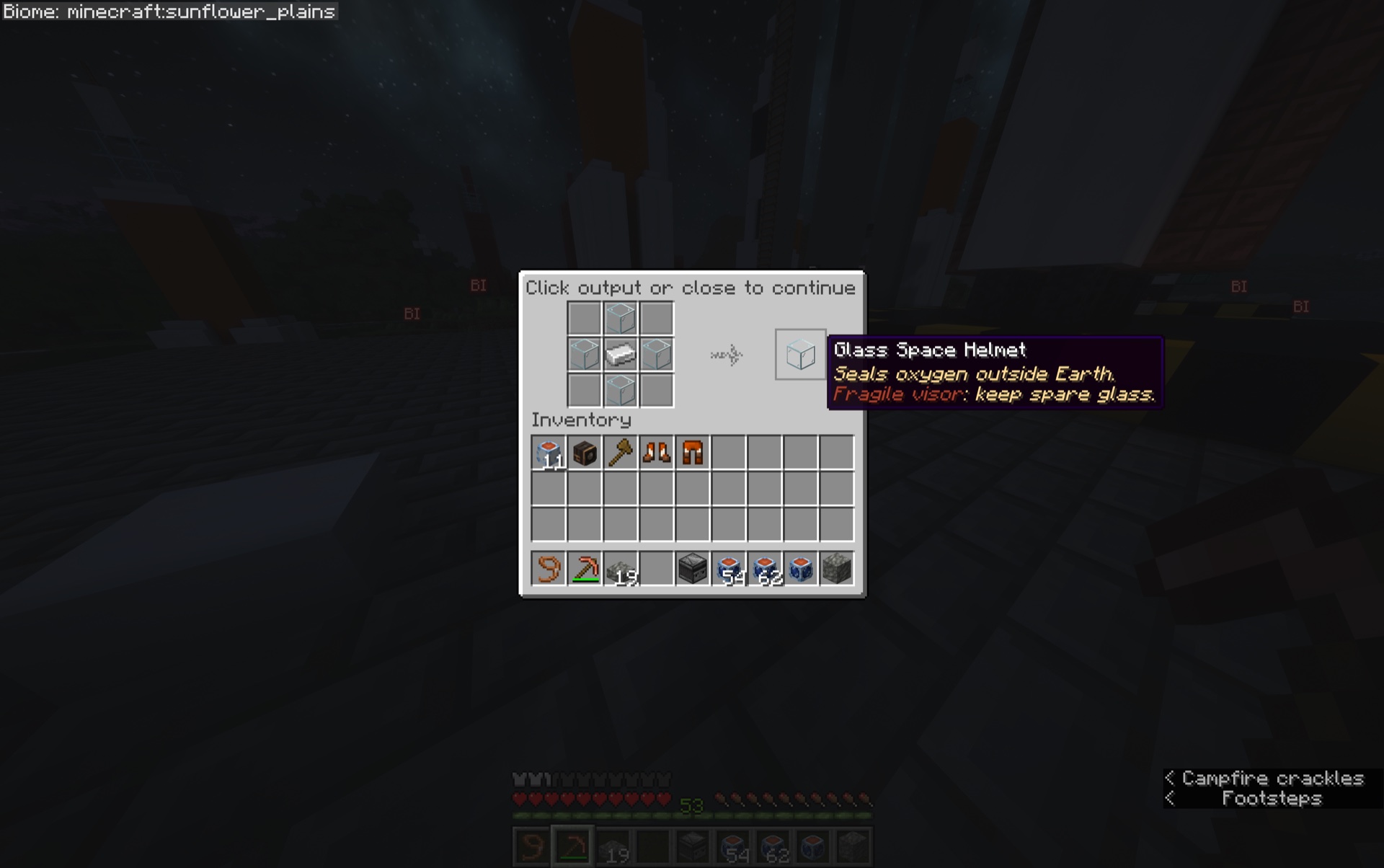
Tutorial recipe windows are safe previews: click the output or close the window to continue.
Space Station
/cosmo tutorial space-station
Follow a station-founding mission into orbit, dock with the new station, install solar panels, process ice and mineral asteroids, operate the automated collector and defensive machines, preview access settings, and return to Earth.
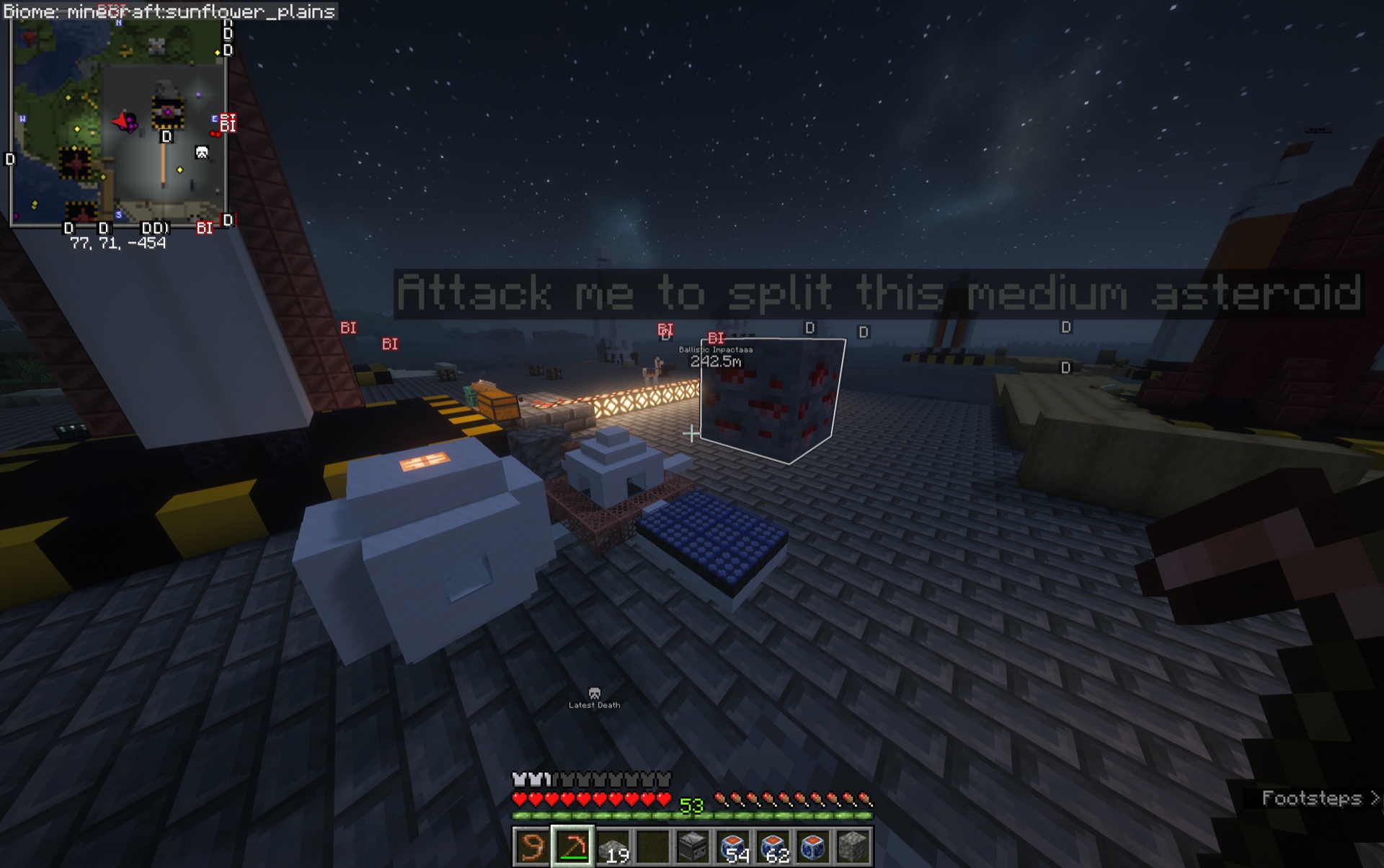
The Station lesson uses glowing targets to demonstrate asteroid processing and machinery.
Controls and interactions
- Follow action-bar narration and click glowing scene objects when prompted.
- Use the chat controls to move between chapters, replay, or exit. Interaction boundaries advance directly to the next glowing target.
- A completed scene remains visible until you use its glowing finish target.
- Only one tutorial session runs for you at a time.
Private and safe
Tutorial blocks, entities, inventories, recipes, machines, and items exist only in your client-side lesson. Tutorials do not alter real blocks, entities, inventories, player state, or gameplay state.